Welcome, Demo! — Sign out

Season-Long Fantasy Football |
|



| Home → About → Mobile |


Fantasy Football Mobile App
Download our Fantasy Football mobile app for iOS or Android! Purchase teams, maintain your account, and manage your teams all from your mobile device!

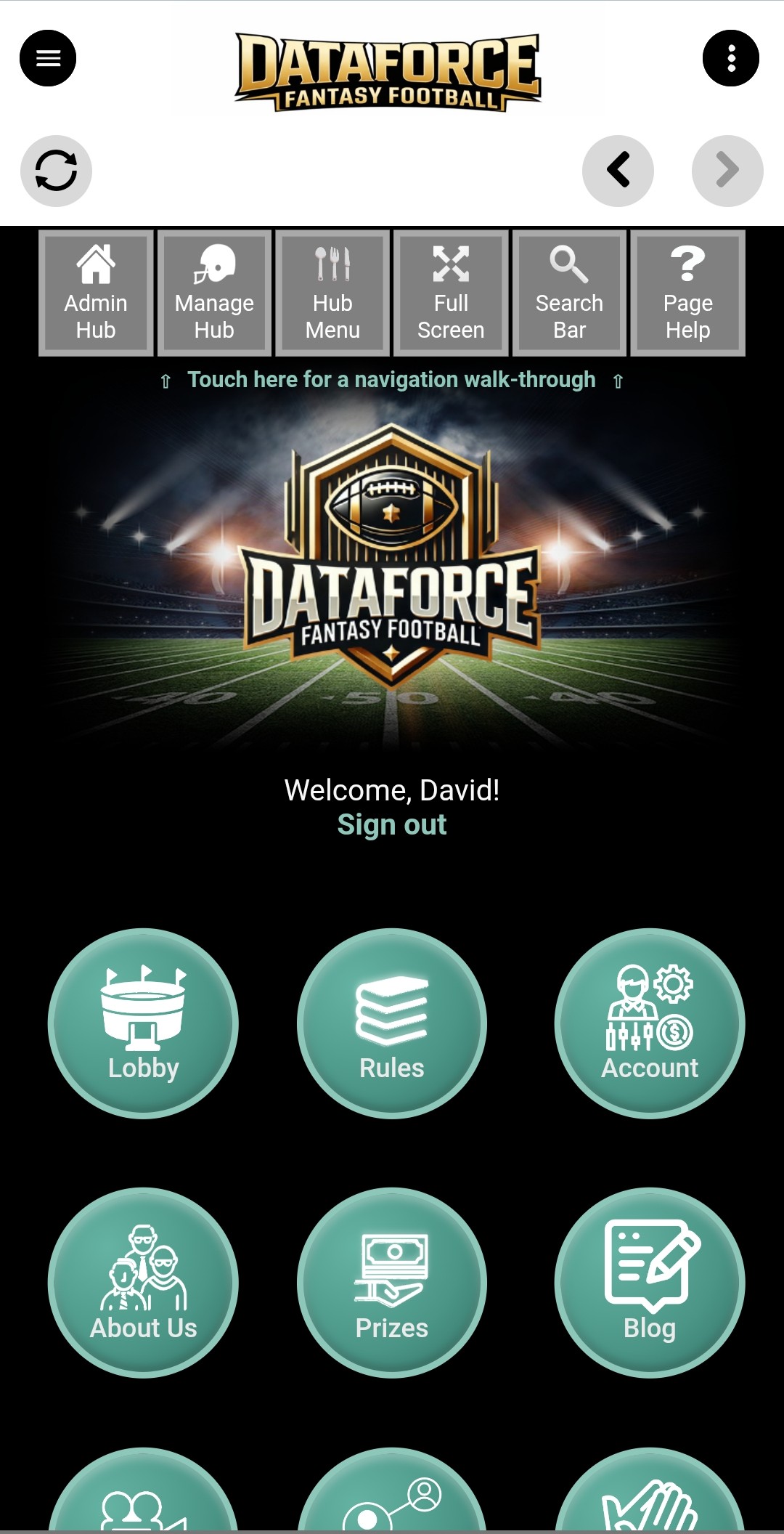
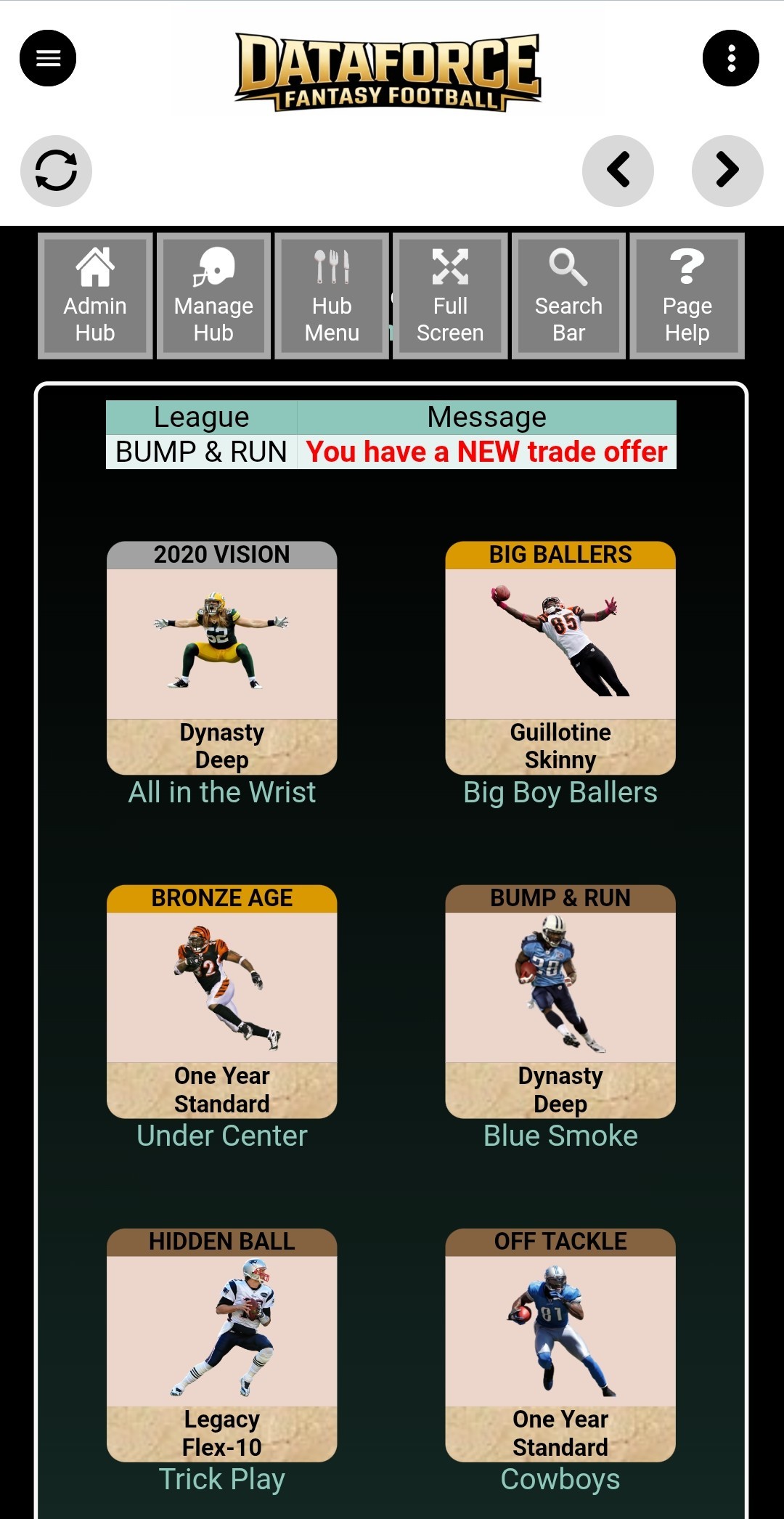
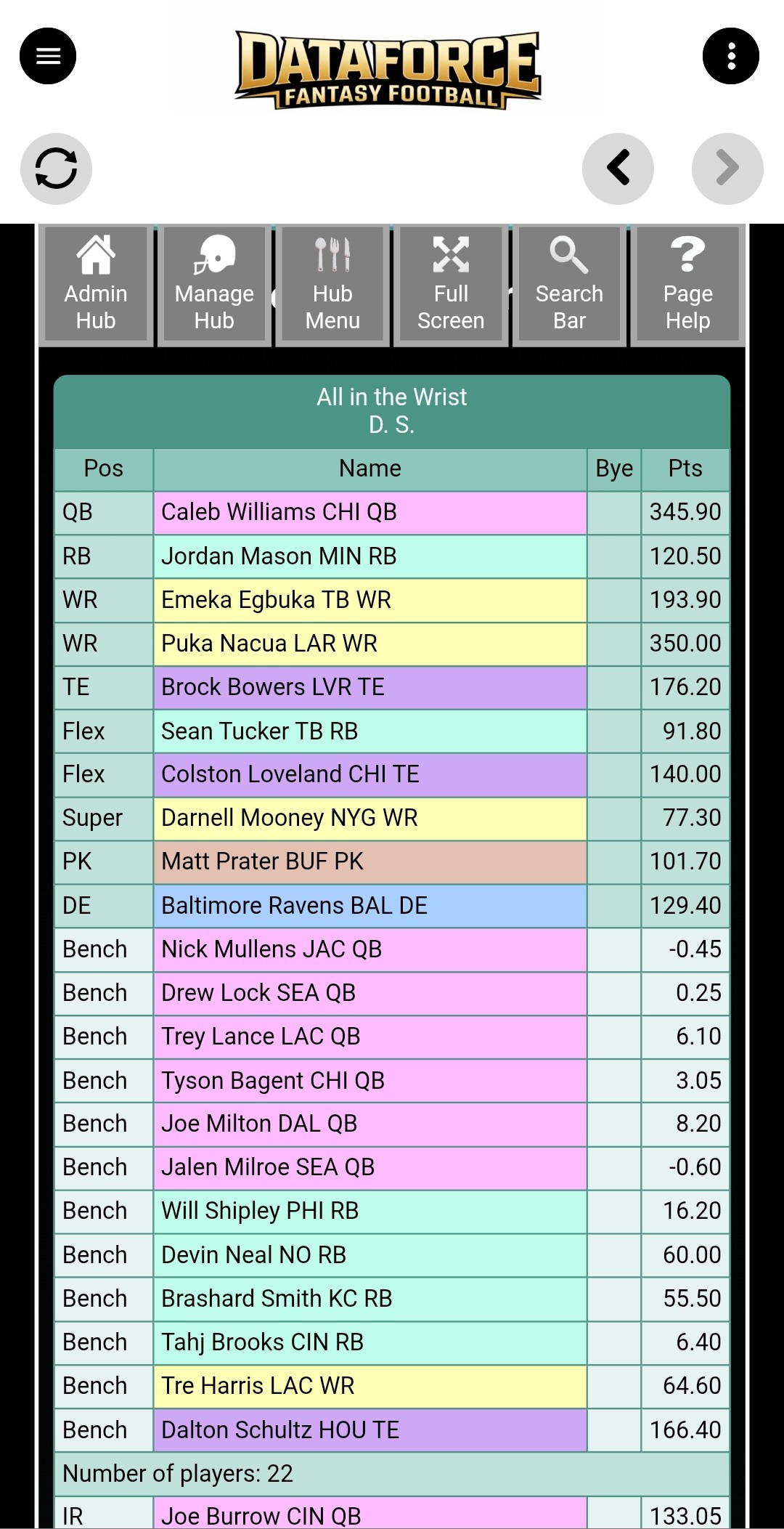
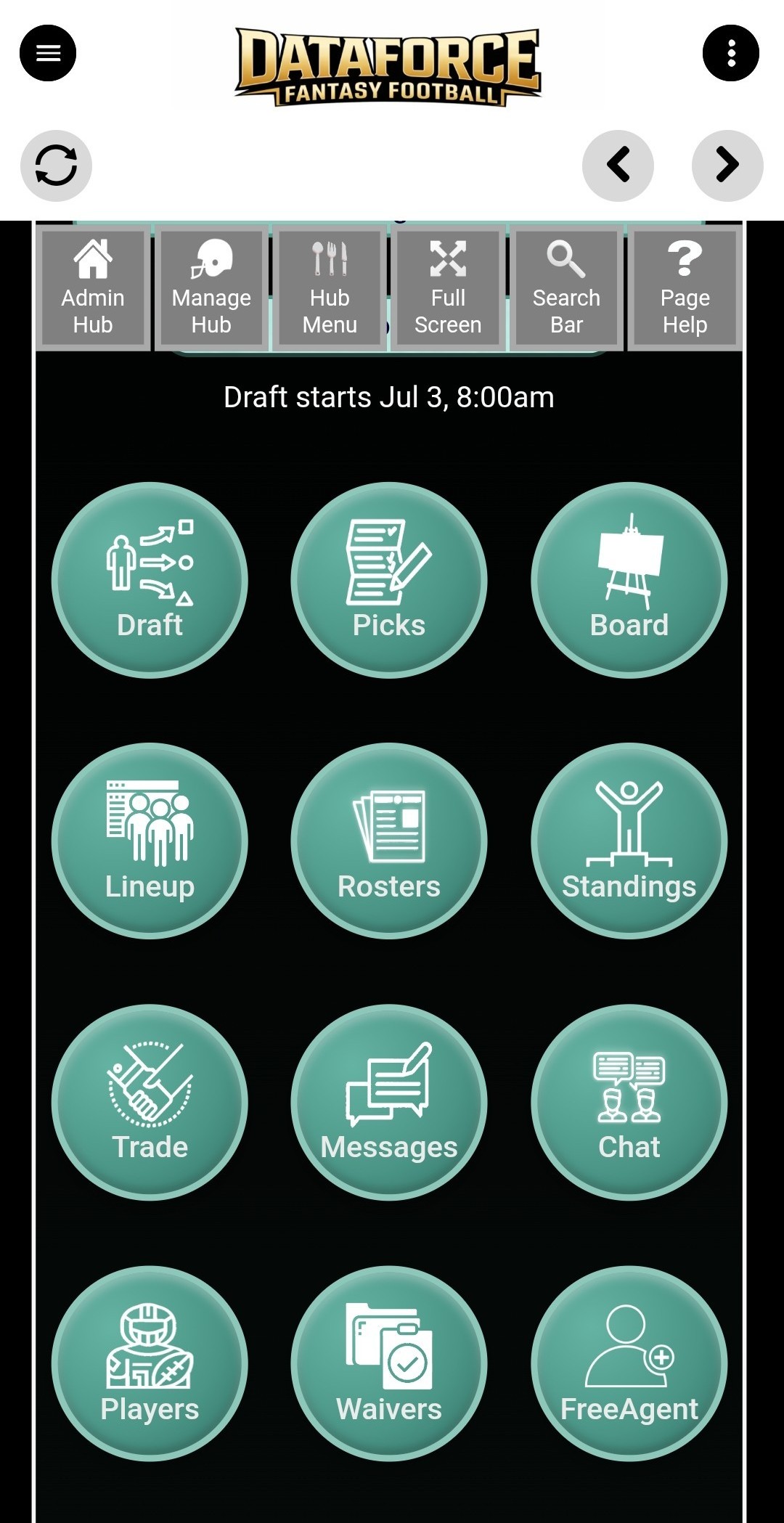
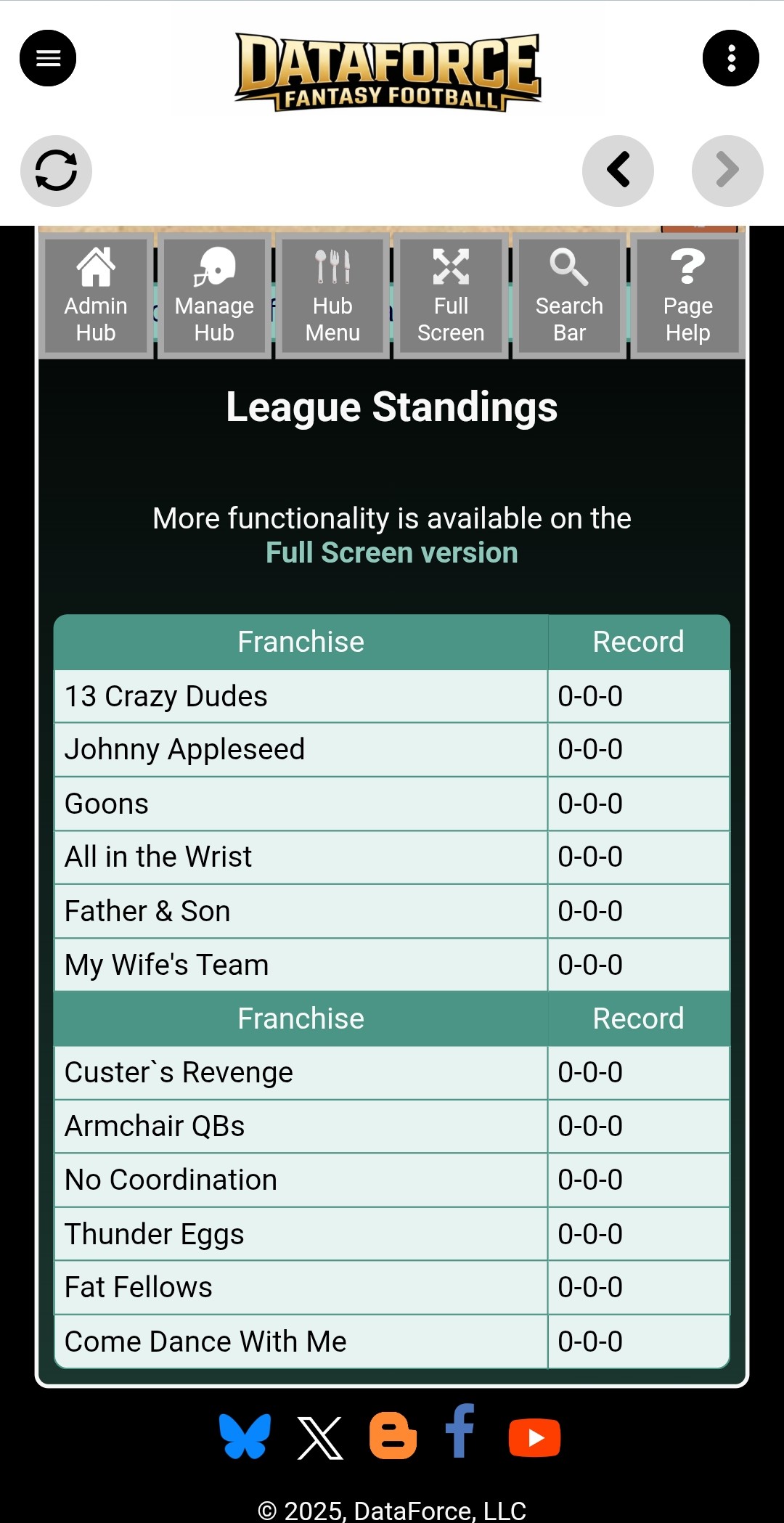
Three options are available for download:
1. Download for iOS from the Apple Store
2. Download for Android from Google Play
3. Download for Android right here and self-install
Just click here with your Android device:
Installation will be automatic.
Troubleshooting for self-install:
1. Open the downloaded file. After you tap the button above, the .apk file downloads to your device. Tap it from your notification shade, or open it in your Files or Downloads app, to begin installing.
2. Allow your browser to install the app. The first time you do this, Android will say the app you downloaded with (usually Chrome or Files) isn’t allowed to install unknown apps. Tap Settings on that message, turn on Allow from this source, then go back and choose Install. You can also reach this any time under Settings → Apps → Special app access → Install unknown apps.
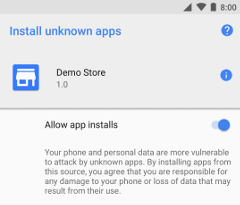
3. If Google Play Protect warns you — “app not recognized” or “unsafe app blocked” — tap More details, then Install anyway. That warning only means the app didn’t come from the Play Store; it’s the same DataForce app.
4. Updating an older version? If the install won’t complete over your existing app, uninstall the current app first, then install again. Your account, teams, and settings live in your DataForce account, so nothing is lost.
Prefer not to deal with any of this? Just install from the Google Play Store (option 2 above) — it handles everything automatically and updates itself.